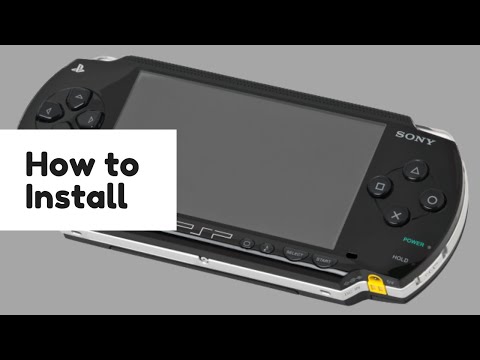
Downloading and Installing RetroArch for PlayStation Portable
PlayStation Portable
Note: You currently need the have custom firmware(PRO-C) to run RetroArch on your PlayStation Portable.
Note: PRO-C must be running before running RetroArch, if you run RetroArch before running PRO-C, data corrupt error will occur.
Prerequisites
This is probably the most straightforward way to install RetroArch.
- Pro CFW (latest version)
Downloading and installing
At this time we can only use the Stable version of 1.8.2, this will be improved in the future.
Downloading
You can download a bundle with RetroArch, all the supported cores and all the assets by clicking here.
Installing
Installation is also very simple. Just create RetroArch folder under PSP/Game directory and transfer the archive files to the PSP/Game/RetroArch then go to Memory Stick™ under Game press X and first or last application is must be RetroArch.
Video Tutorial